SaaS quickstart
SaaS is live at https://gorizond.negash.ru/dashboard. This page explains how to register, what is created automatically, the current free-tier limits, and how topping up billing through the UI removes the 1-worker cap. A self-hosted edition will be documented separately later.
Pricing
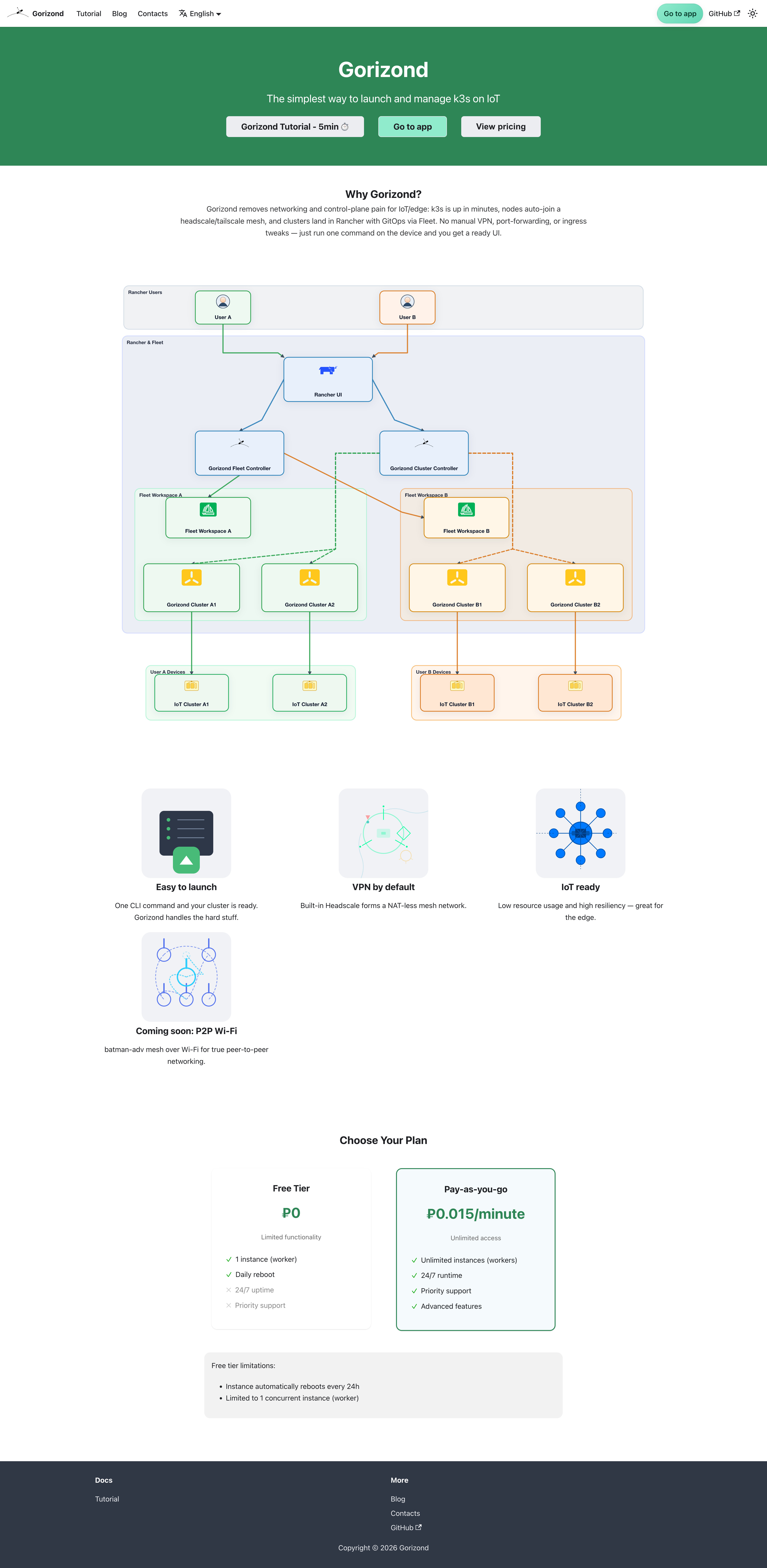
- Free tier: Kubernetes API clusters with a 1 worker limit; operator only warns if exceeded.
- Paid: fund a billing in the UI to lift the 1-worker cap; charges accrue to the funded billing when clusters run in paid mode (plan limits apply).
What you get today
- Self-service signup with immediate console access.
- An isolated workspace is created for every new user with admin rights at the Fleet workspace level.
- Billing record: created in the UI (one or more per workspace). Until a billing is funded, Gorizond clusters in that workspace run on the free plan.
- Free tier: you can create Kubernetes API clusters with a 1 worker limit. The operator currently only logs a warning if extra workers are added; automatic enforcement is not enabled yet.
Registration
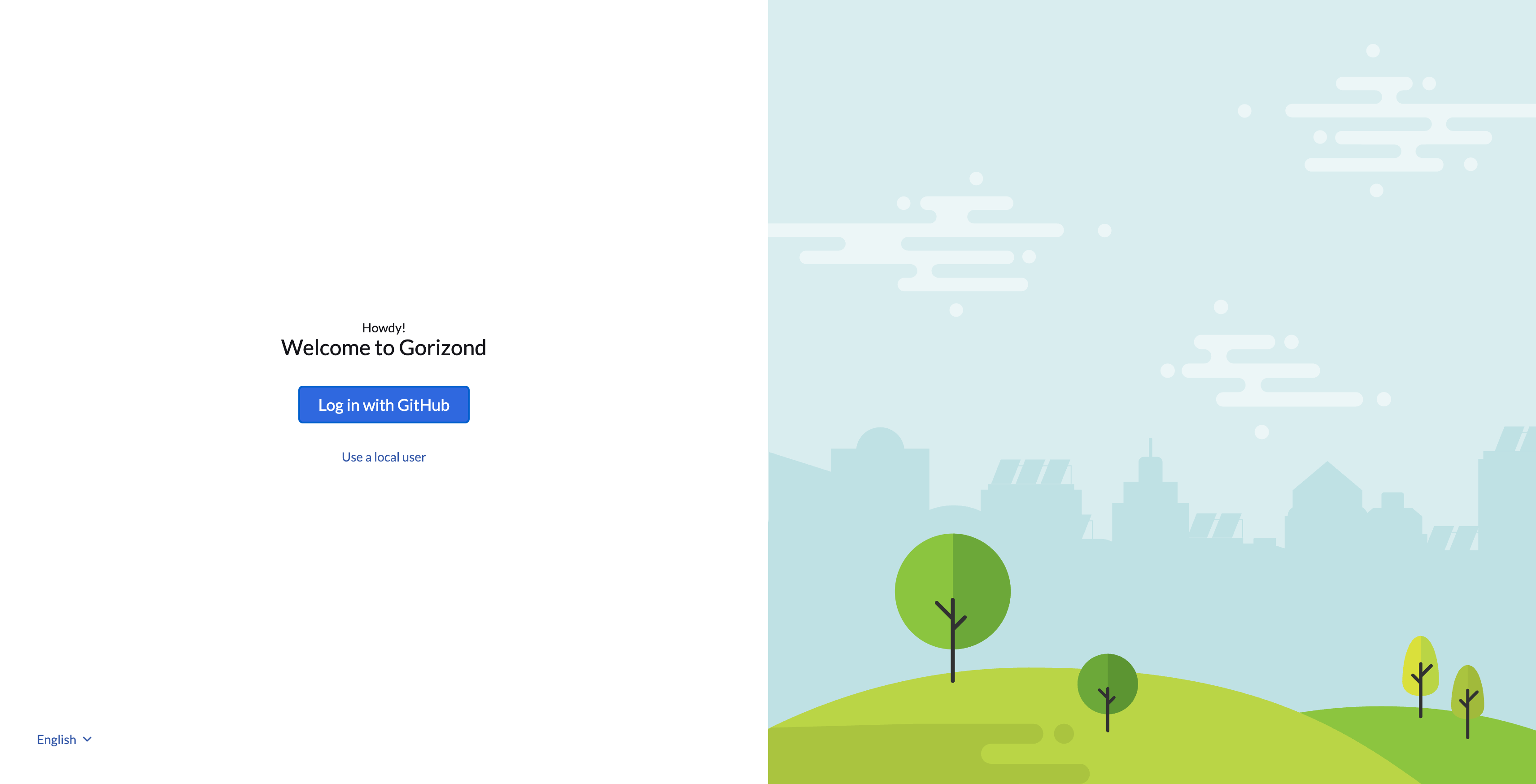
- Go to https://gorizond.negash.ru/dashboard and click Sign up with GitHub.
- Complete signup with GitHub; you are redirected into your workspace with admin rights.
- Each user gets their own workspace. You can already invite team members or entire GitHub groups into the workspace.
Create and manage clusters
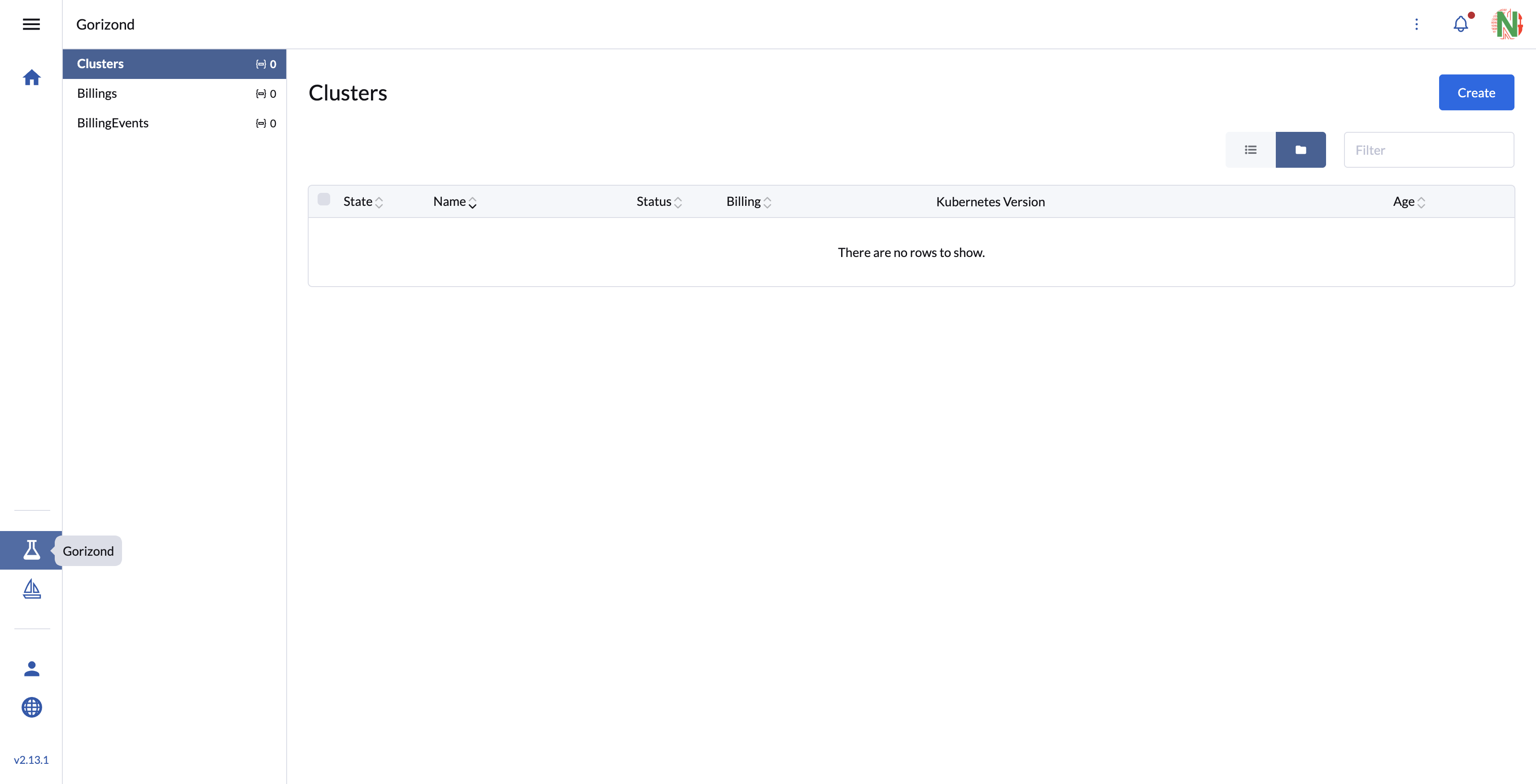
- Create clusters via the Gorizond cluster UI: https://gorizond.negash.ru/dashboard/c/_/gorizond/provisioning.gorizond.io.cluster. On the free plan keep to 1 worker per cluster until billing is funded.
- You can also open the Gorizond app in Rancher (Global Apps → Gorizond) to view and manage clusters inside the workspace namespace.
Check billing state
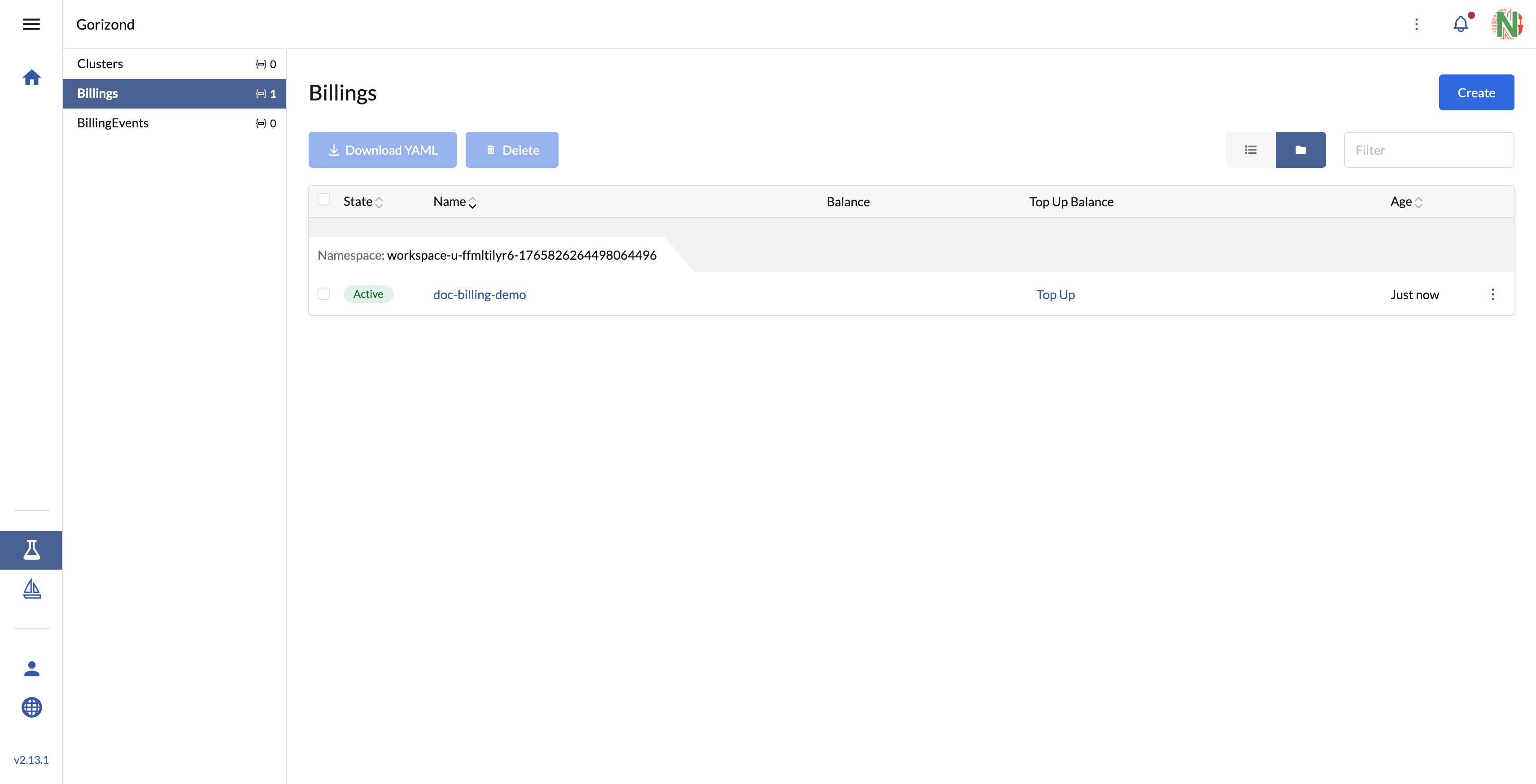
- In the same extension, open Billings to see workspace billing objects. Balance shows current credit/debt, and Top Up triggers the payment flow and opens YooKassa.
Trigger a payment link
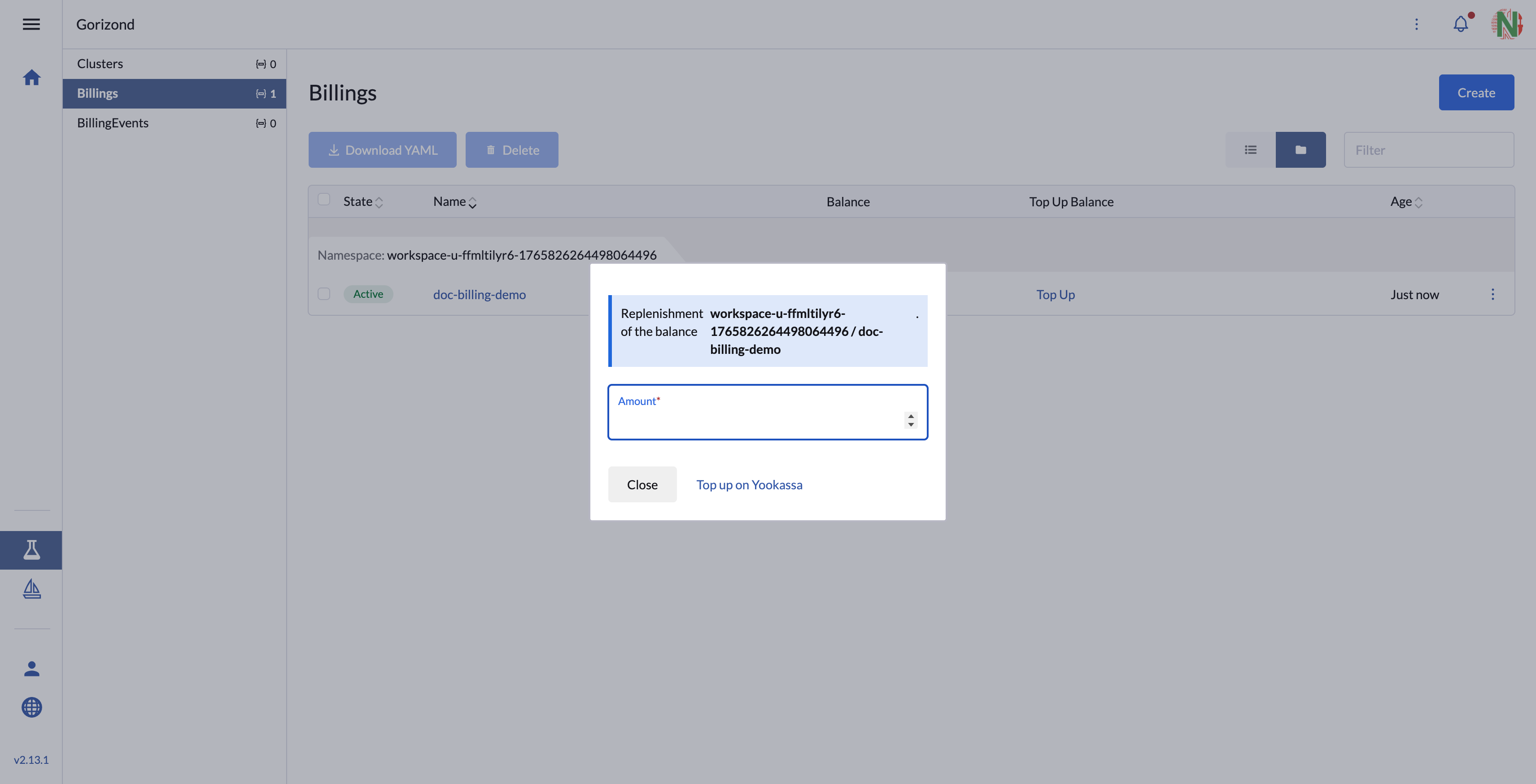
- Click Top Up in the billing table. Enter amount and click Top up on Yookassa — you'll be redirected to YooKassa to pay.
Attach billing to lift the limit
After a successful YooKassa payment the workspace switches to paid mode and the 1-worker cap is lifted (other limits depend on the plan).
Steps:
- In the UI (Billing section), request a payment link and enter the amount.
- Follow the link to YooKassa and pay.
- After payment the billing is funded and attached to your workspace; the 1-worker cap is lifted.
- Create or scale clusters without the 1-worker restriction (subject to plan limits).
What’s next
- Self-hosted docs will follow; this page only covers the SaaS edition.
- Expect updates once automated enforcement and additional plan limits are enabled.