Tutorial Intro
Let's discover Gorizond in less than 5 minutes. Gorizond create k3s api as service. Work with Rancher in k8s cluster. It's generate headscale and k3s api servers peer instance.
What you'll need
- IoT device with internet access (Raspberry PI for example)
Gorizond cluster usage
Go to gorizond and login with github

After login you can see home page
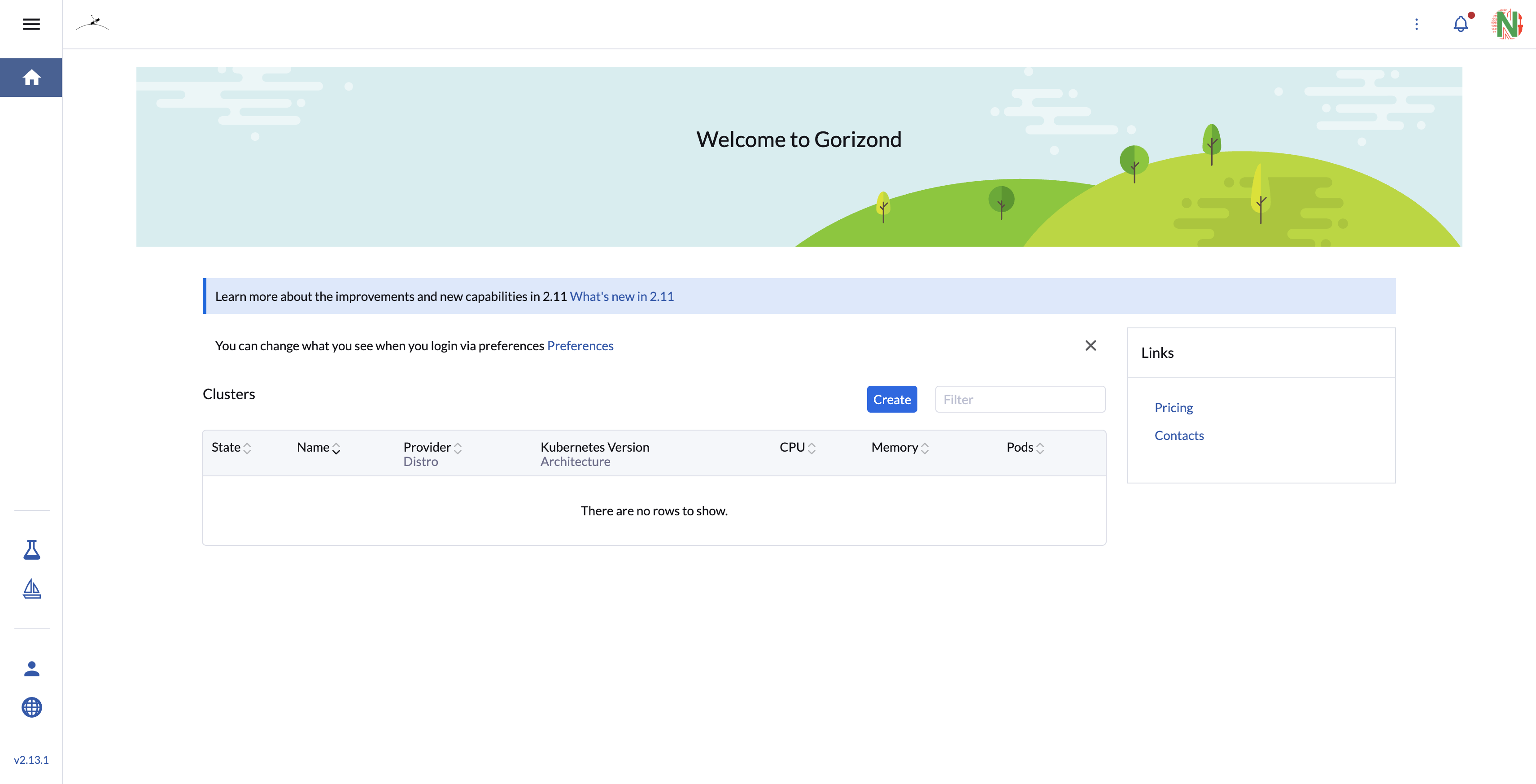
Go to Gorizond cluster list

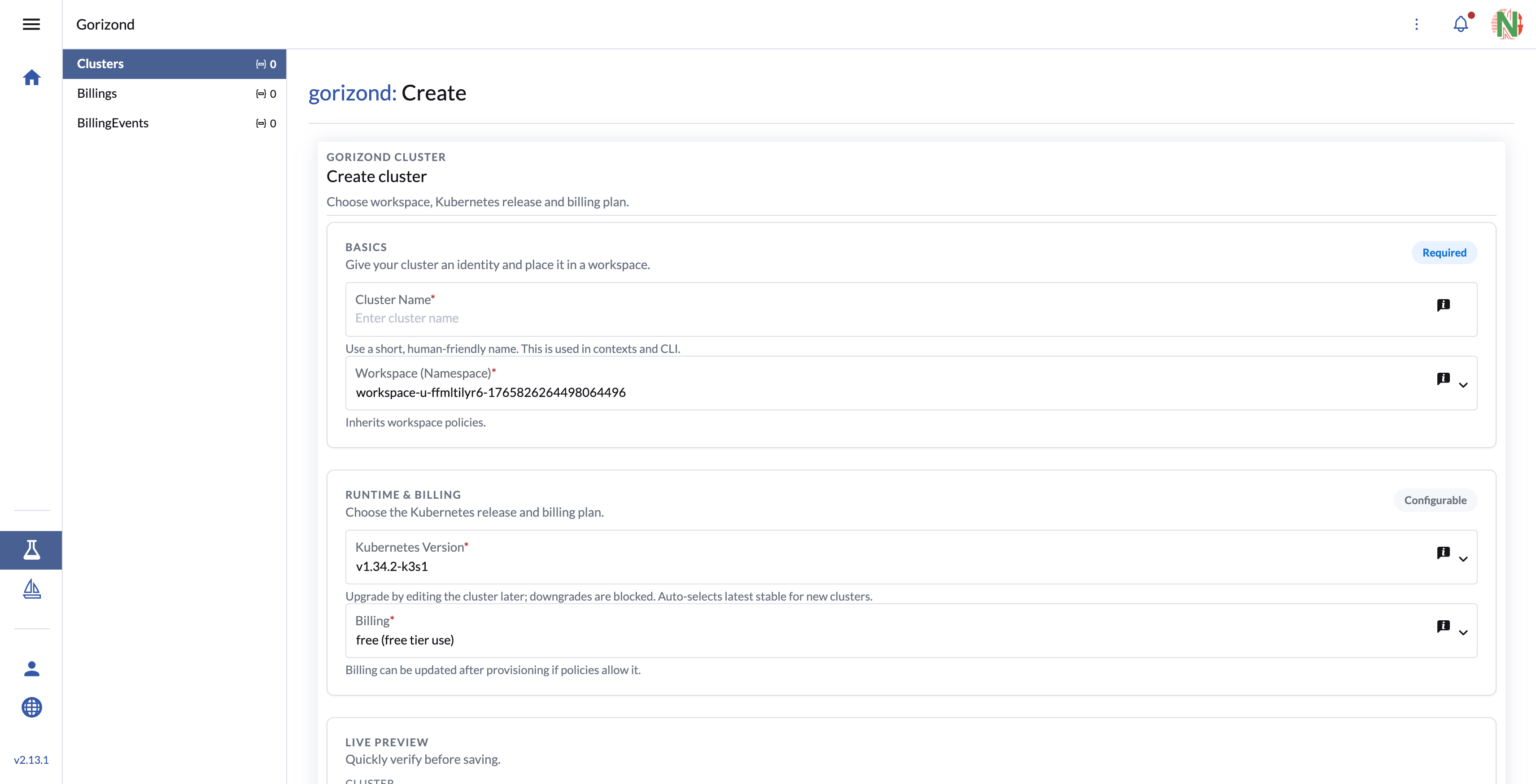
Create you first cluster
With workspace location and k3s version
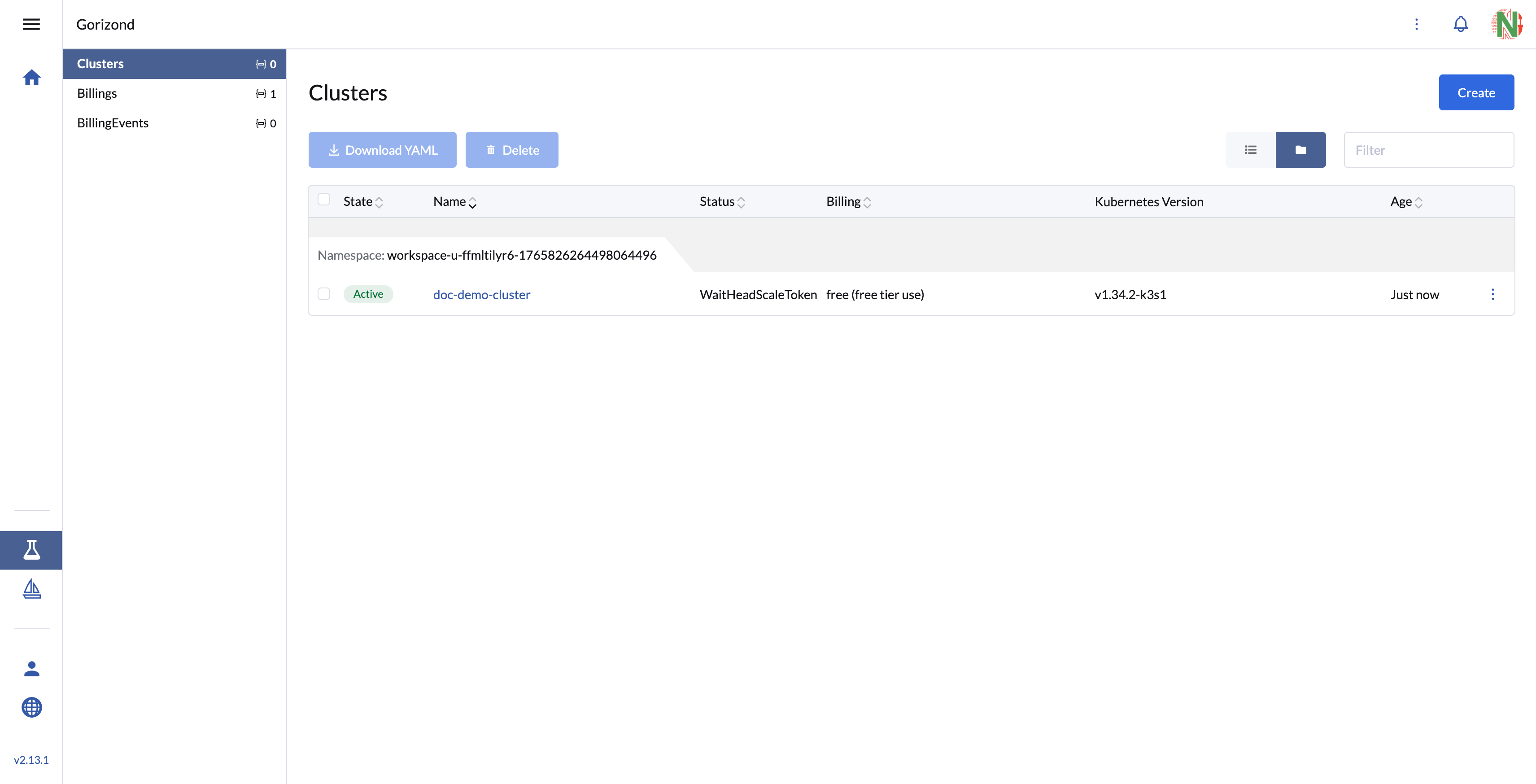
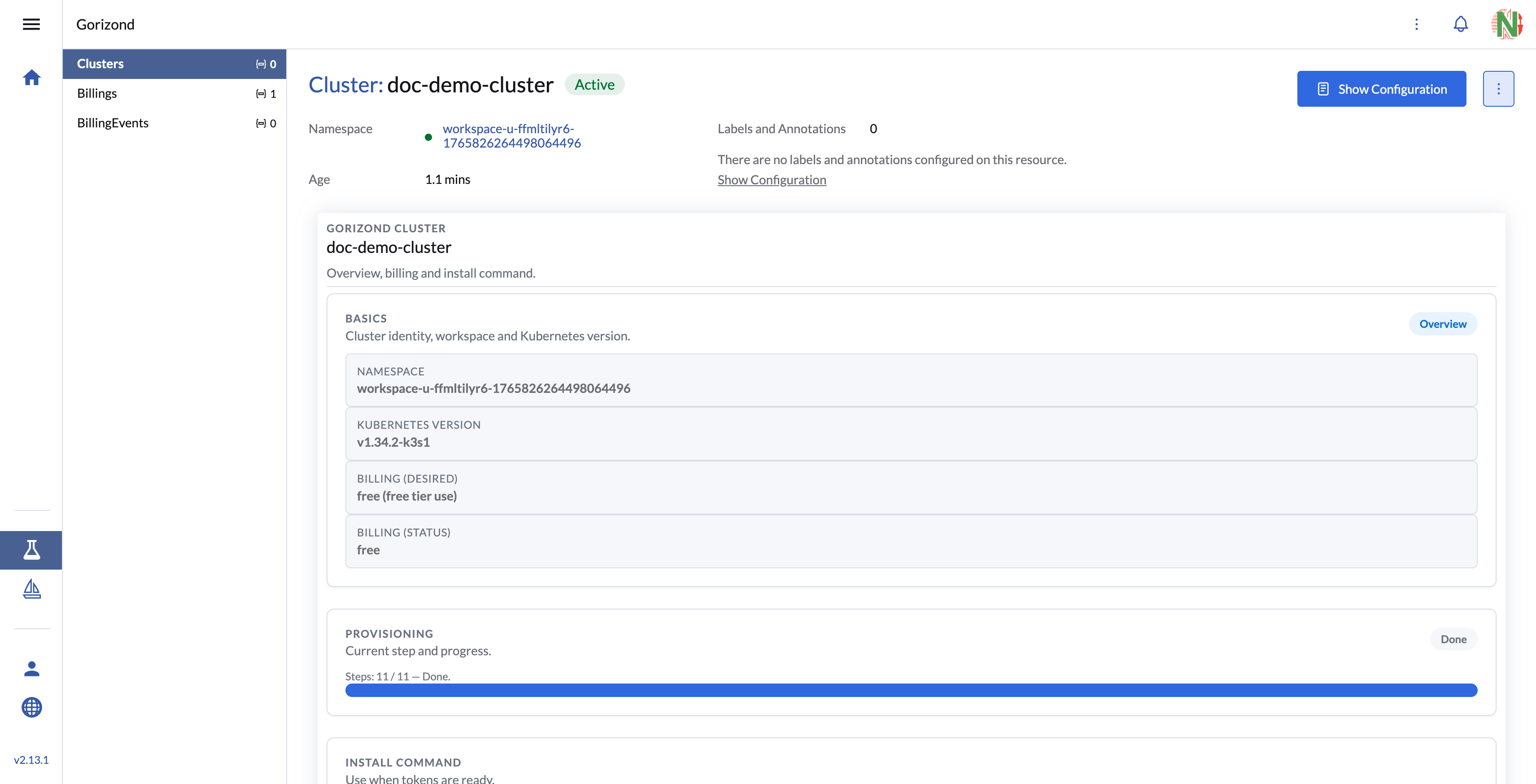
Wait cluster created
It will take about 3-4 minutes. Wait until the provisioning bar shows Done and the install command appears — only then run it on the node.
Copy and run command to you IoT/Server
Init Node
After running the command on the server or IoT device, the tailscale client will be installed and then k3s with the headscale settings will be installed, you need to wait until the cluster registers in rancher
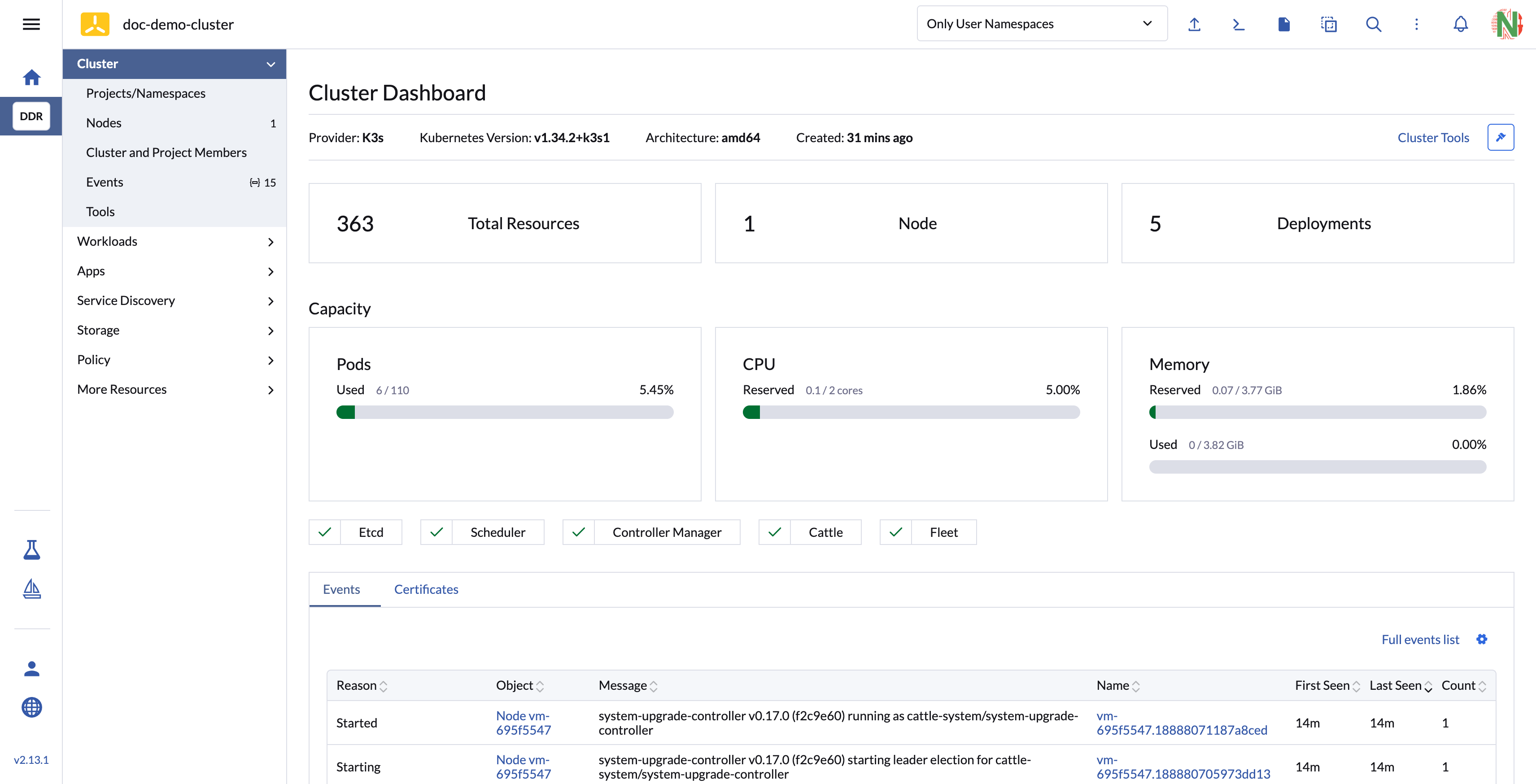
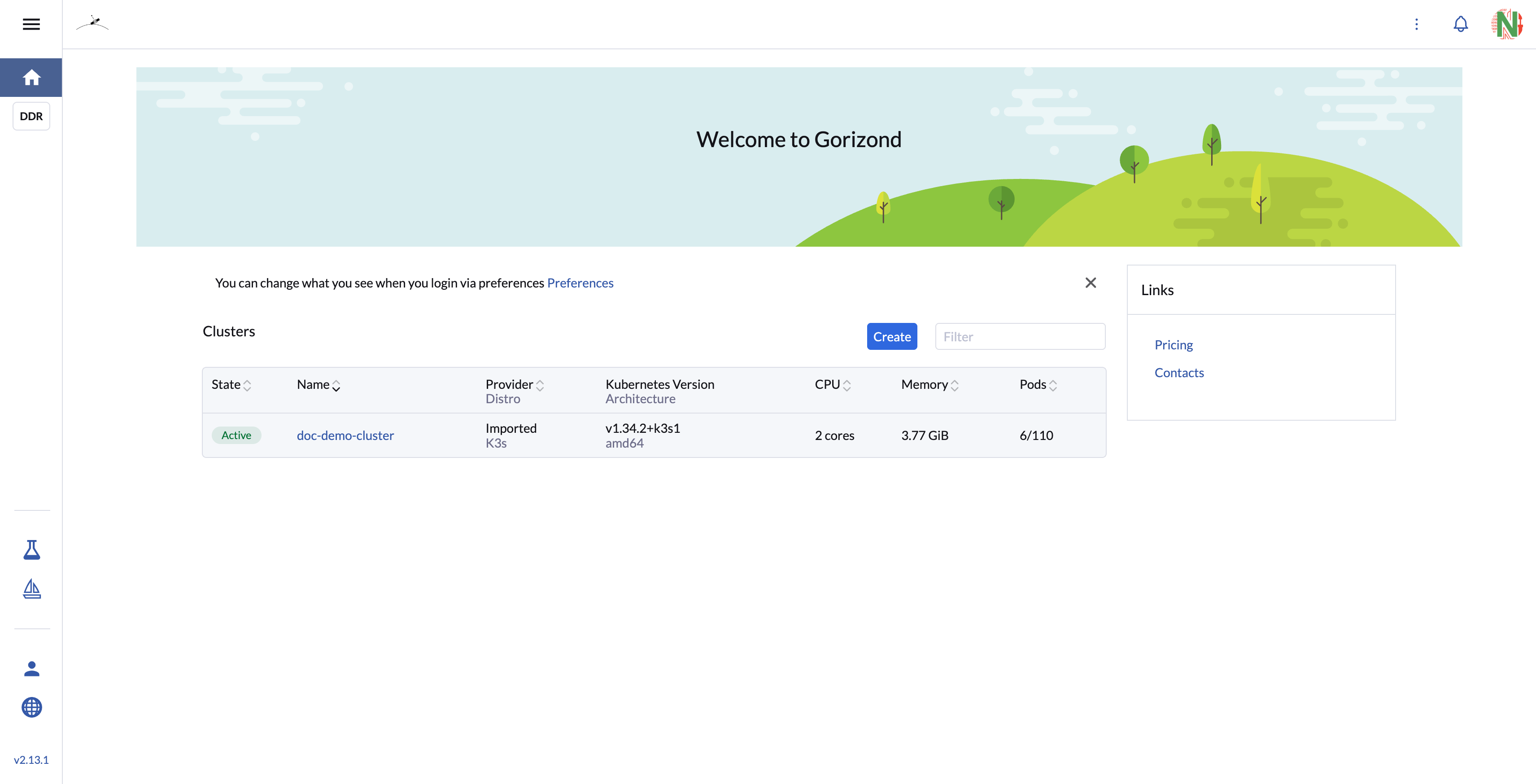
Go to gorizond home page and wait cluster ready
After running the install command and joining a node, you should see the cluster as Imported K3s with CPU/Memory/Pods stats.
Cluster ready to work with Fleet GitOps